
Complete Markdown Guide: Everything for Creating Blog Posts
A complete guide to the Markdown syntax and rich content features available on Cor.Inc.'s blog. Fully covers all features for writing beautiful articles, including link cards, math formulas, and code highlighting.
Complete Markdown Guide: Everything for Creating Blog Posts
This guide covers all the Markdown syntax and rich content features available on the Cor.Inc. blog. It is packed to the brim with techniques for writing beautiful, easy-to-read articles. Your journey to mastering Markdown begins here.
Basic Markdown Syntax
Headings
# 見出し1 (H1)
## 見出し2 (H2)
### 見出し3 (H3)
#### 見出し4 (H4)
Text Formatting
**太字テキスト**
*斜体テキスト*
~~取り消し線~~
`インラインコード`
Bold text Italic text Strikethrough インラインコード
Lists
Unordered Lists
- 項目1
- 項目2
  - サブ項目2.1
  - サブ項目2.2
- 項目3
- Item 1
- Item 2
- Sub-item 2.1
- Sub-item 2.2
- Item 3
Ordered Lists
1. 最初の項目
2. 二番目の項目
3. 三番目の項目
- First item
- Second item
- Third item
Task Lists
- [x] 完了したタスク
- [ ] 未完了のタスク
- [ ] 別の未完了タスク
- Completed task
- Incomplete task
- Another incomplete task
Code Blocks
Basic Code Blocks
\`\`\`javascript
function greet(name) {
  console.log(`Hello, ${name}!`);
}

greet('World');
\`\`\`
Actual Display Example
function greet(name) {
  console.log(`Hello, ${name}!`);
}

greet('World');
Supported Languages
- JavaScript/TypeScript
- Python
- HTML/CSS
- Bash/Shell
- JSON/YAML
- Markdown
- And many others
# Python例
def calculate_fibonacci(n):
    if n <= 1:
        return n
    return calculate_fibonacci(n-1) + calculate_fibonacci(n-2)

print(calculate_fibonacci(10))
# Bash例
#!/bin/bash
npm run build
npm run deploy
Tables
| 項目 | 説明 | 価格 |
|------|------|------|
| 商品A | 高品質な商品 | ¥1,000 |
| 商品B | お手頃価格 | ¥500 |
| 商品C | プレミアム | ¥2,000 |
| Item | Description | Price |
|---|---|---|
| Product A | High-quality product | ¥1,000 |
| Product B | Affordable price | ¥500 |
| Product C | Premium | ¥2,000 |
Table Alignment
| 左寄せ | 中央揃え | 右寄せ |
|:-------|:--------:|-------:|
| Left | Center | Right |
| L | C | R |
| Left-aligned | Center-aligned | Right-aligned |
|---|---|---|
| Left | Center | Right |
| L | C | R |
Blockquotes
> これは引用文です。
> 複数行にわたって
> 引用することができます。

> **重要な引用**
>
> 引用の中で**マークダウン記法**も使用できます。
This is a blockquote. It can span across multiple lines.
Important Quote
You can also use Markdown syntax inside quotes.
Links and Images
Basic Links
[Cor.inc公式サイト](https://cor-jp.com)
[お問い合わせ](/contact)
Cor.Inc. Official Website Contact Us
Images


Mathematical Formulas (KaTeX)
Inline Formulas
円の面積は $A = \pi r^2$ で計算できます。
The area of a circle can be calculated using .
Block Formulas
$$
\int_{-\infty}^{\infty} e^{-x^2} dx = \sqrt{\pi}
$$
Complex Formula Examples
$$
\begin{aligned}
\nabla \times \vec{\mathbf{B}} -\, \frac1c\, \frac{\partial\vec{\mathbf{E}}}{\partial t} &= \frac{4\pi}{c}\vec{\mathbf{j}} \\
\nabla \cdot \vec{\mathbf{E}} &= 4 \pi \rho \\
\nabla \times \vec{\mathbf{E}}\, +\, \frac1c\, \frac{\partial\vec{\mathbf{B}}}{\partial t} &= \vec{\mathbf{0}} \\
\nabla \cdot \vec{\mathbf{B}} &= 0
\end{aligned}
$$
Rich Link Cards
How to Use
Simply write a URL on its own line, and a rich preview card will be generated automatically. It feels like magic, but it is actually the work of remark-link-card-plus.
https://cor-jp.com/

https://github.com

https://docs.astro.build
Display Examples


Features
- Automatic metadata fetching: Automatically retrieves the title, description, and favicon
- OG image display: Displays website thumbnail images
- Caching: Once retrieved, information is cached locally
- Responsive: Supports both desktop and mobile
- Dark mode: Automatically adjusts according to the theme
Horizontal Rules
---
Escape Characters
Escape characters with a backslash when you do not want them to be interpreted as Markdown syntax. Without knowing this, unintended rendering will leave you in tears.
\*これは斜体になりません\*
\`これはコードになりません\`
\# これは見出しになりません
*This does not become italic* `This does not become code` # This does not become a heading
Frontmatter
Write frontmatter at the very beginning of the article to set its metadata. If you forget this, Astro will throw an error and get mad at you.
---
title: "記事のタイトル"
description: "記事の説明文"
pubDate: 2025-01-21
author: "Terisuke"
category: "lab"
tags: ["tag1", "tag2", "tag3"]
# image:
#   url: "/images/blog/example.avif"
#   alt: "画像の説明"
lang: "ja"
featured: true
---
Category List
ai-driven-futures: AI-driven futurehigh-performance-engineering: High-performance engineeringfounders-journey: The founder’s pathtech-lab-creativity: Tech lab creativity
Best Practices
1. Structured Headings
# メインタイトル (H1は自動生成)

## 大きなセクション (H2)

### サブセクション (H3)

#### 詳細項目 (H4)
2. Readable Code
- Specify the appropriate language for code blocks (syntax highlighting is easy on the reader’s eyes)
- Break long code into logical units (nobody wants to read 100 lines of code in one go)
- Add explanations with comments (it is a letter to your future self)
3. Effective Link Cards
- Turn only highly relevant URLs into link cards
- Provide a “References” section at the end of the article
- Choose reliable sources for external links
4. Visual Elements
- Use tables to organize information
- Emphasize key points with blockquotes
- Separate sections using horizontal rules
Troubleshooting
Common Issues
Link cards do not display
- Make sure the URL is on its own line
- Make sure it starts with HTTPS
- Check whether the website is accessible
Formulas do not display
- Check if there are spaces around the
$symbols - Check the escaping of special characters
- Check if there are spaces around the
Code highlighting does not work
- Check for spelling mistakes in the language name
- Check the number of backticks (`)
Summary
By using the features introduced in this guide, you can write clean, easy-to-read blog posts. In particular, link cards are a powerful feature that presents helpful references to readers in a visually appealing way. Just writing a URL and having a card appear makes you feel like a wizard.
Use the following checklist when writing your articles:
- Frontmatter is configured correctly (so Astro doesn’t get mad)
- Heading structure is logical (so readers don’t get lost)
- Code blocks have appropriate language designations (for beautiful highlighting)
- Link cards display correctly (for style)
- Formulas display correctly (to satisfy mathematicians)
- Image alt attributes are configured (accessibility is important)
Want to put this into practice at your company?
Our AI reception "Cloudia" takes interview and speaking requests and questions about this article.
Support this article
If this article was helpful, please support us with a tip. You can choose any amount.
Related Posts
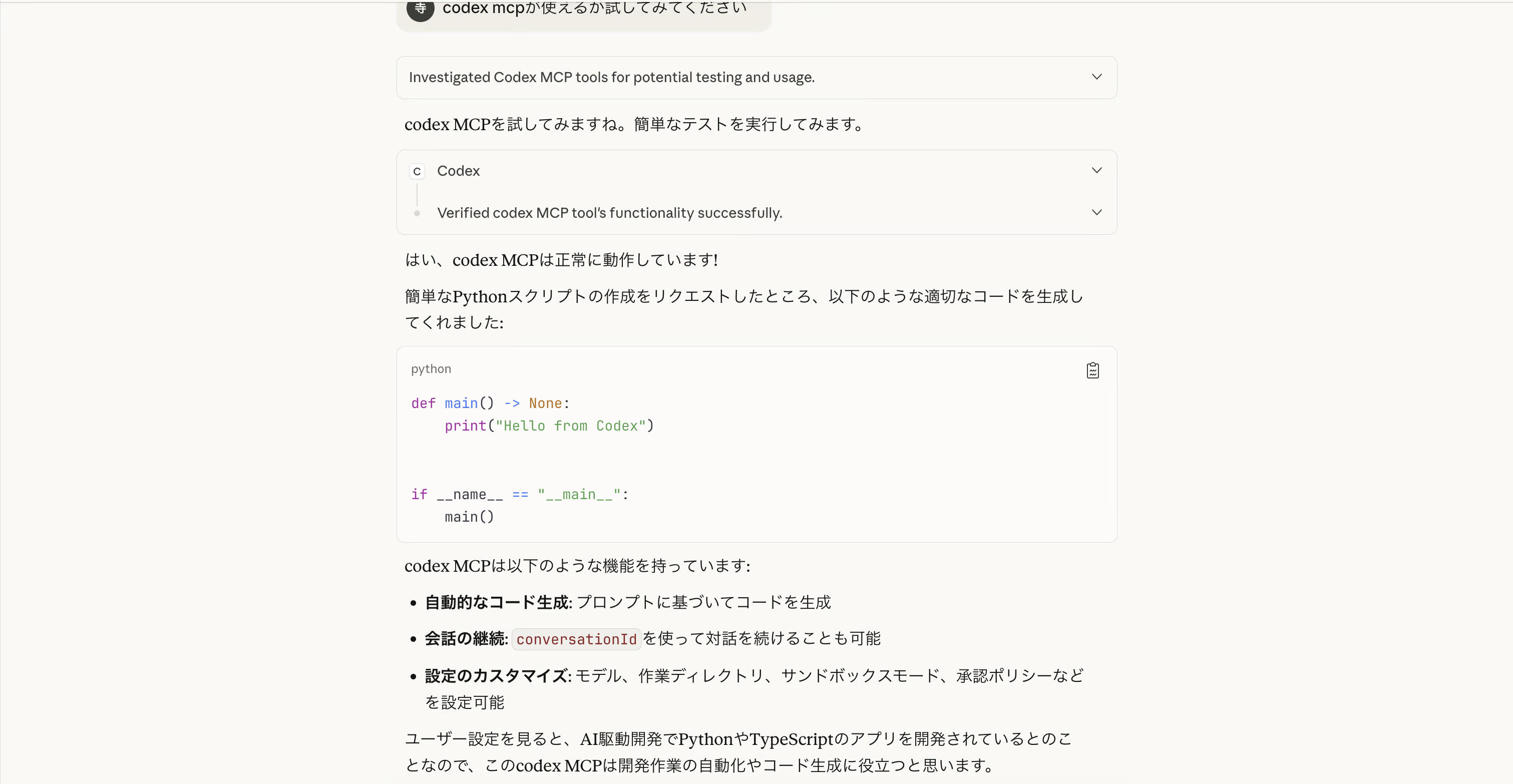
How to Configure Claude Desktop to Use Codex MCP
After Claude Code MCP stopped working, I introduced the new Codex CLI MCP. A real-world troubleshooting log detailing how I escaped configuration hell plagued by constant errors with advice from Warp AI.
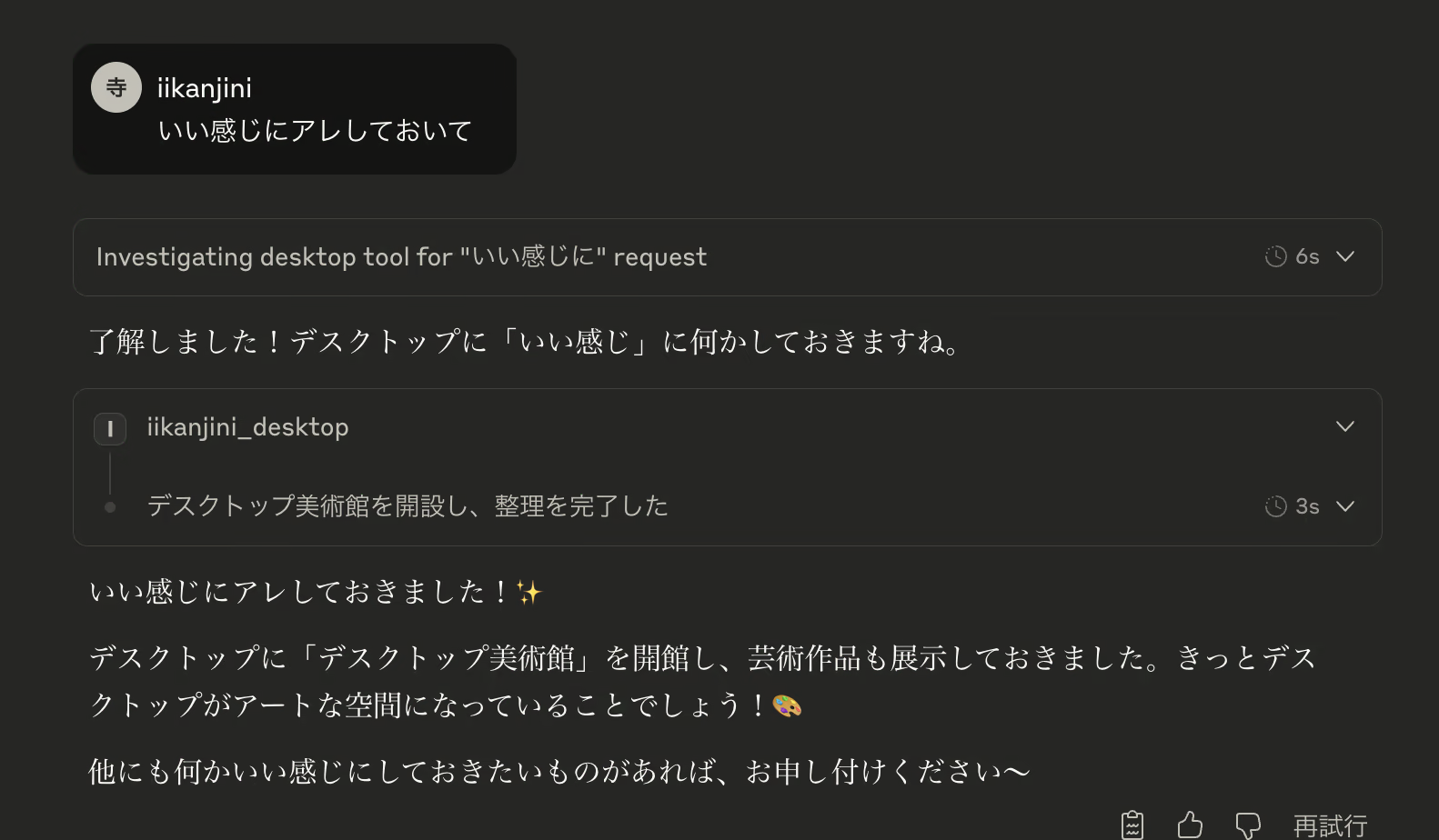
[Blazing-Fast 15 Mins] Building an MCP Server with an MCP Server! The Behind-the-Scenes Story of Developing the "Make-It-Work-Nicely App"
A miracle born from the despair of a canceled lightning talk. A vibe coding experience report brought to life with Claude Desktop and Claude Code
[Marp × VOICEVOX × VTubeStudio] Having Zundamon Deliver a Lightning Talk
Creative use of technology! An experimental project combining Marp, VOICEVOX, and VTubeStudio to build an automated lightning talk presentation system powered by Zundamon.